Claude Monet 308 Paintings Pro1.0
Publisher Description
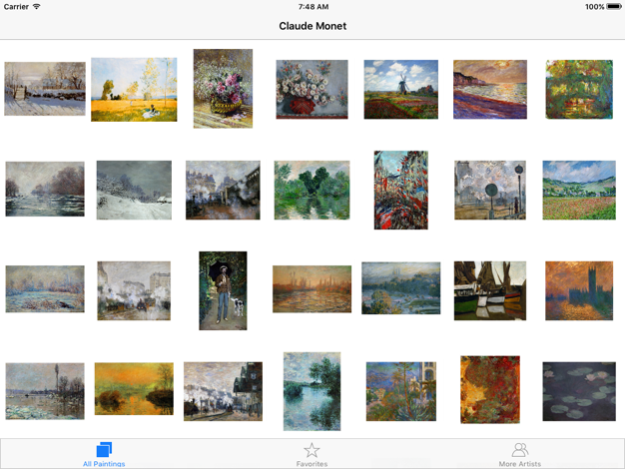
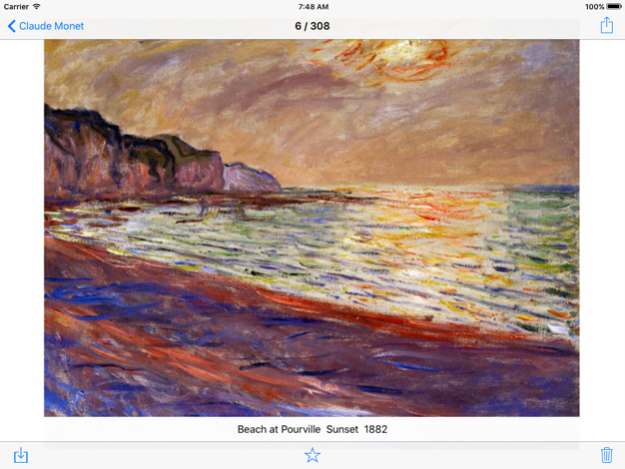

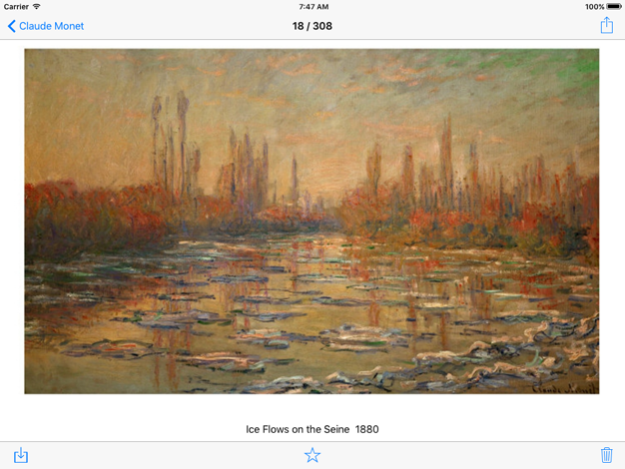
Claude Monet (14 November 1840 – 5 December 1926) was a founder of French Impressionist painting, and the most consistent and prolific practitioner of the movement's philosophy of expressing one's perceptions before nature, especially as applied to plein-air landscape painting. The term "Impressionism" is derived from the title of his painting Impression, soleil levant (Impression, Sunrise), which was exhibited in 1874 in the first of the independent exhibitions mounted by Monet and his associates as an alternative to the Salon de Paris.
********************
308 paintings
********************
Each painting is HD. Each picture file size about 1M
********************
The total file size 300M+
Mar 3, 2016
Version 1.0
This app has been updated by Apple to display the Apple Watch app icon.
About Claude Monet 308 Paintings Pro
The company that develops Claude Monet 308 Paintings Pro is 强芳 李. The latest version released by its developer is 1.0.
To install Claude Monet 308 Paintings Pro on your iOS device, just click the green Continue To App button above to start the installation process. The app is listed on our website since 2016-03-03 and was downloaded 10 times. We have already checked if the download link is safe, however for your own protection we recommend that you scan the downloaded app with your antivirus. Your antivirus may detect the Claude Monet 308 Paintings Pro as malware if the download link is broken.
How to install Claude Monet 308 Paintings Pro on your iOS device:
- Click on the Continue To App button on our website. This will redirect you to the App Store.
- Once the Claude Monet 308 Paintings Pro is shown in the iTunes listing of your iOS device, you can start its download and installation. Tap on the GET button to the right of the app to start downloading it.
- If you are not logged-in the iOS appstore app, you'll be prompted for your your Apple ID and/or password.
- After Claude Monet 308 Paintings Pro is downloaded, you'll see an INSTALL button to the right. Tap on it to start the actual installation of the iOS app.
- Once installation is finished you can tap on the OPEN button to start it. Its icon will also be added to your device home screen.
Program Details
System requirements
Download information
Pricing
Version History
version 1.0
posted on 2016-03-03
Mar 3, 2016 Version 1.0
This app has been updated by Apple to use the latest Apple signing certificate.
version 1.0
posted on 2016-03-03
version 1.0
posted on 2016-03-03
Mar 3, 2016 Version 1.0
This update is signed with Apple’s latest signing certificate. No new features are included.
version 1.0
posted on 2016-03-03
Mar 3, 2016 Version 1.0
This app has been updated by Apple to display the Apple Watch app icon.
version 1.0
posted on 1970-01-01
2016年3月3日 Version 1.0
This update is signed with Apple’s latest signing certificate. No new features are included.
version 1.0
posted on 1970-01-01
2016年3月3日 Version 1.0
This app has been updated by Apple to use the latest Apple signing certificate.
